A fresh eye on what
you already own.
Your wardrobe, styled with AI.
Public cloud features and purchases are not yet available
A look inside Dress Nicely


01 of 03
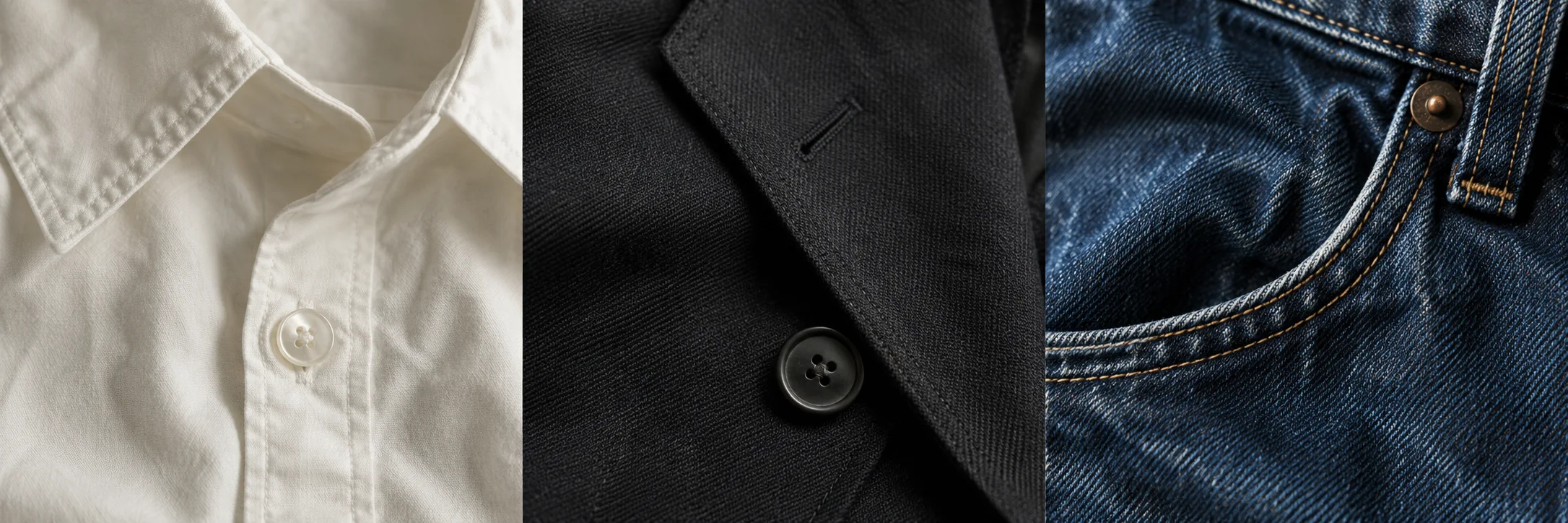
Your clothes.
New possibilities.
That shirt you love. The jeans you live in. A jacket you’d almost forgotten. Dress Nicely helps you see how they can work together.
Outfit ideas from your own wardrobe.
No shopping list required.
A few photos.
A whole new outfit.
Three simple steps. Starting right at home.
-
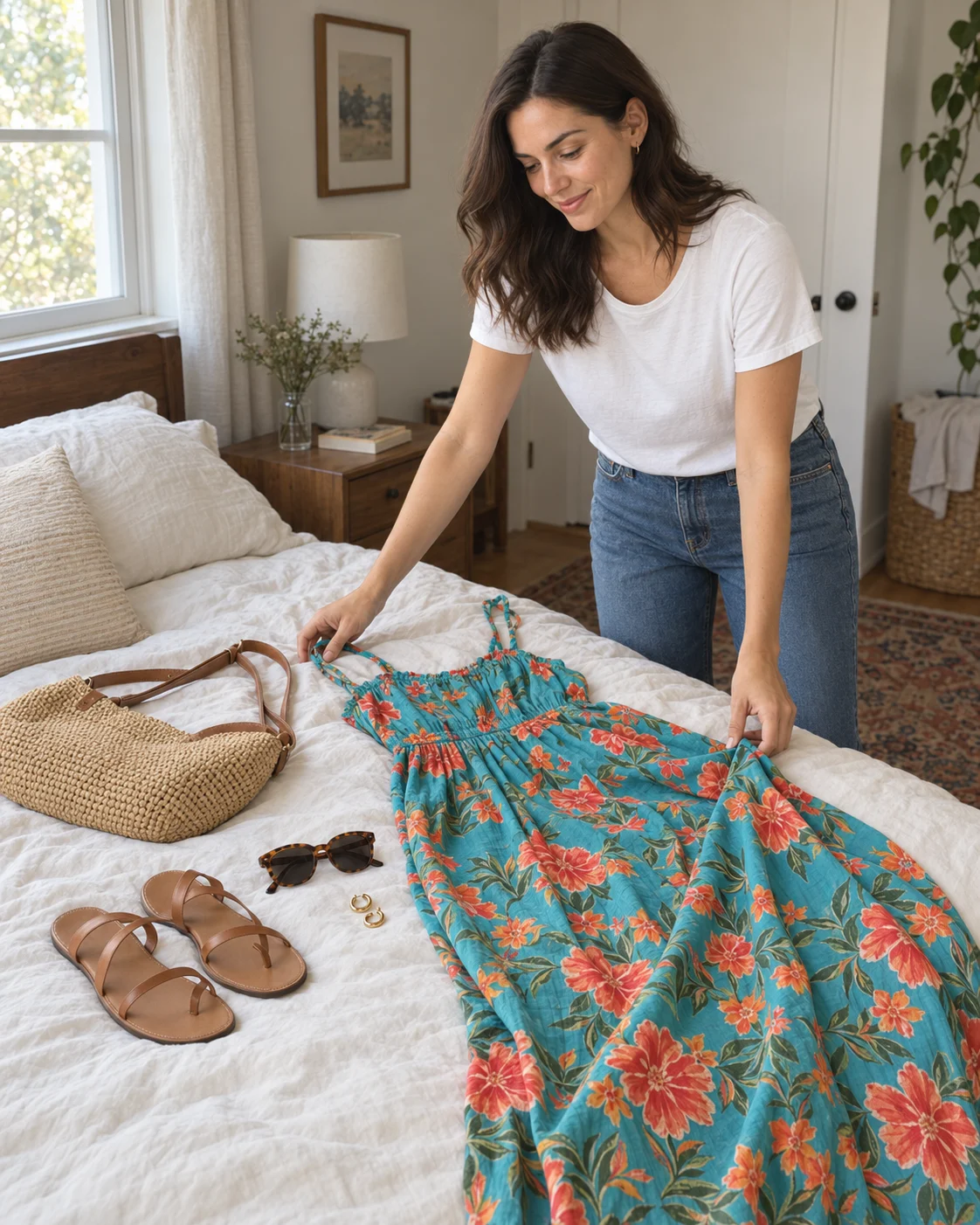
Lay it out. Snap it.
Spread a few pieces on your bed and photograph each one. A summer dress, your favourite bag, the sandals you live in.
-
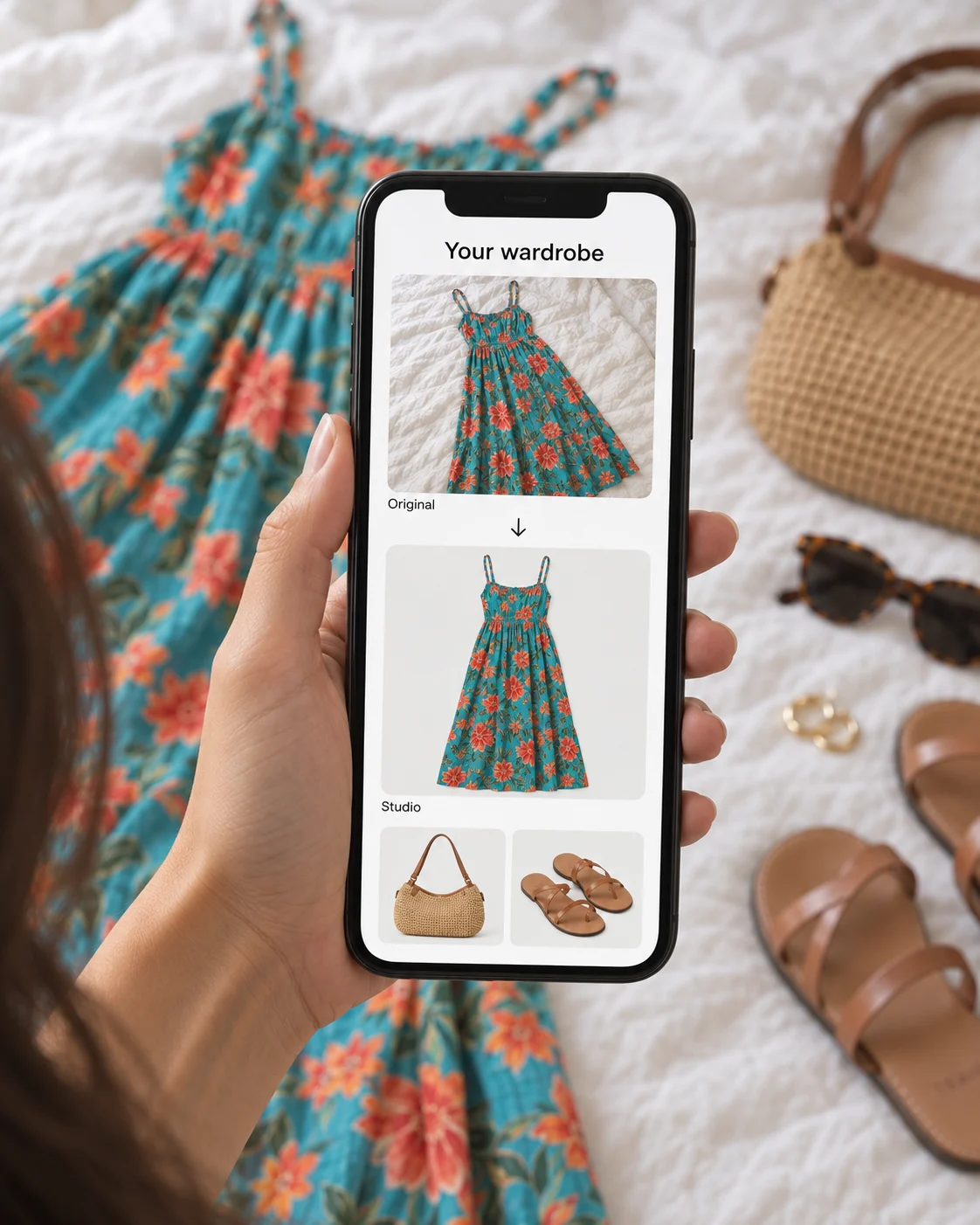
Leave the tidying to AI.
Your everyday snapshots become clean studio images, ready to mix and match in your wardrobe.
-
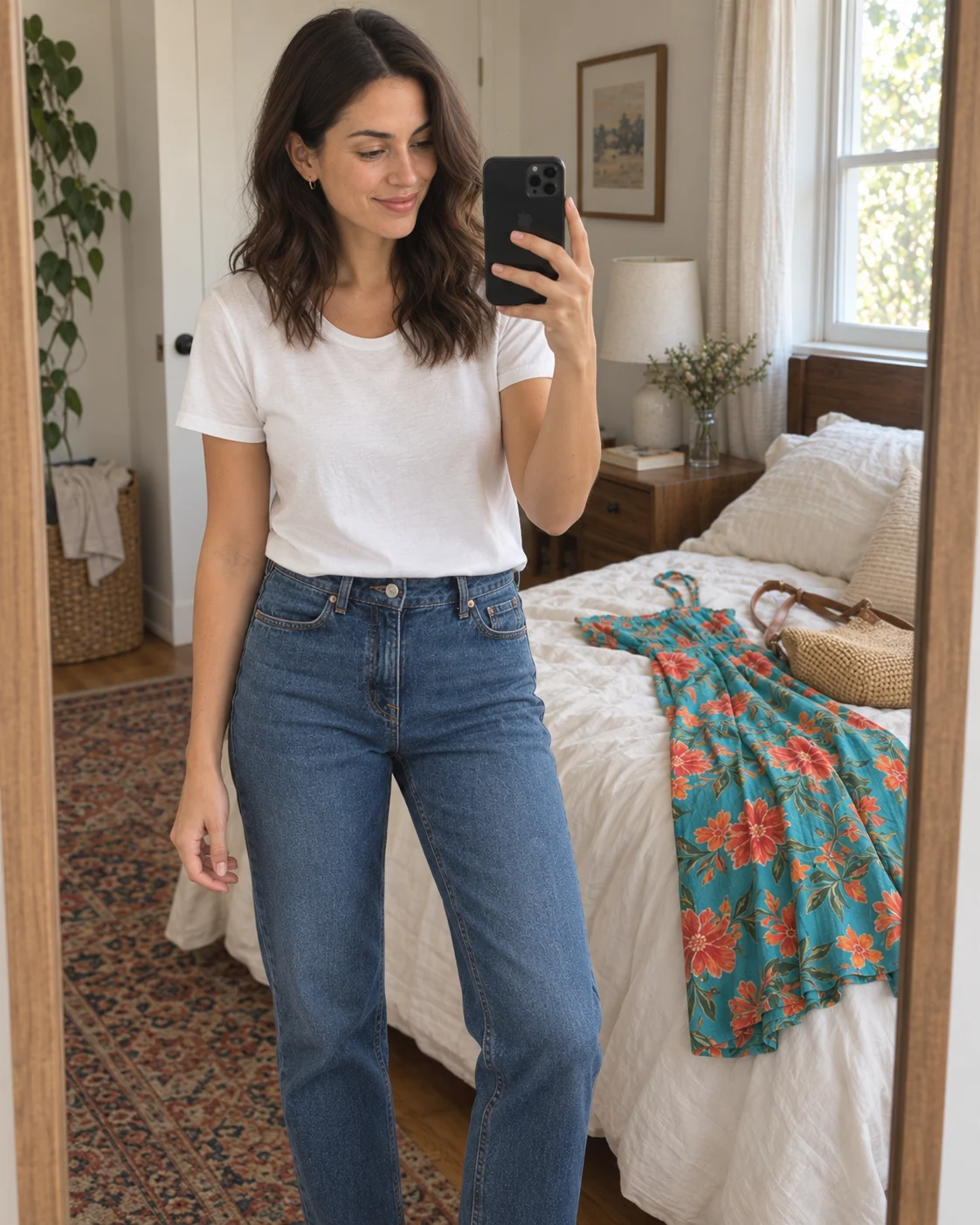
Add yourself.
Take a selfie or choose a photo of yourself. AI does the rest, creating a preview of the outfit on you.
And there
you are.
The dress, the bag, the little finishing touches. See the whole look on you before you get changed.
Take a look inside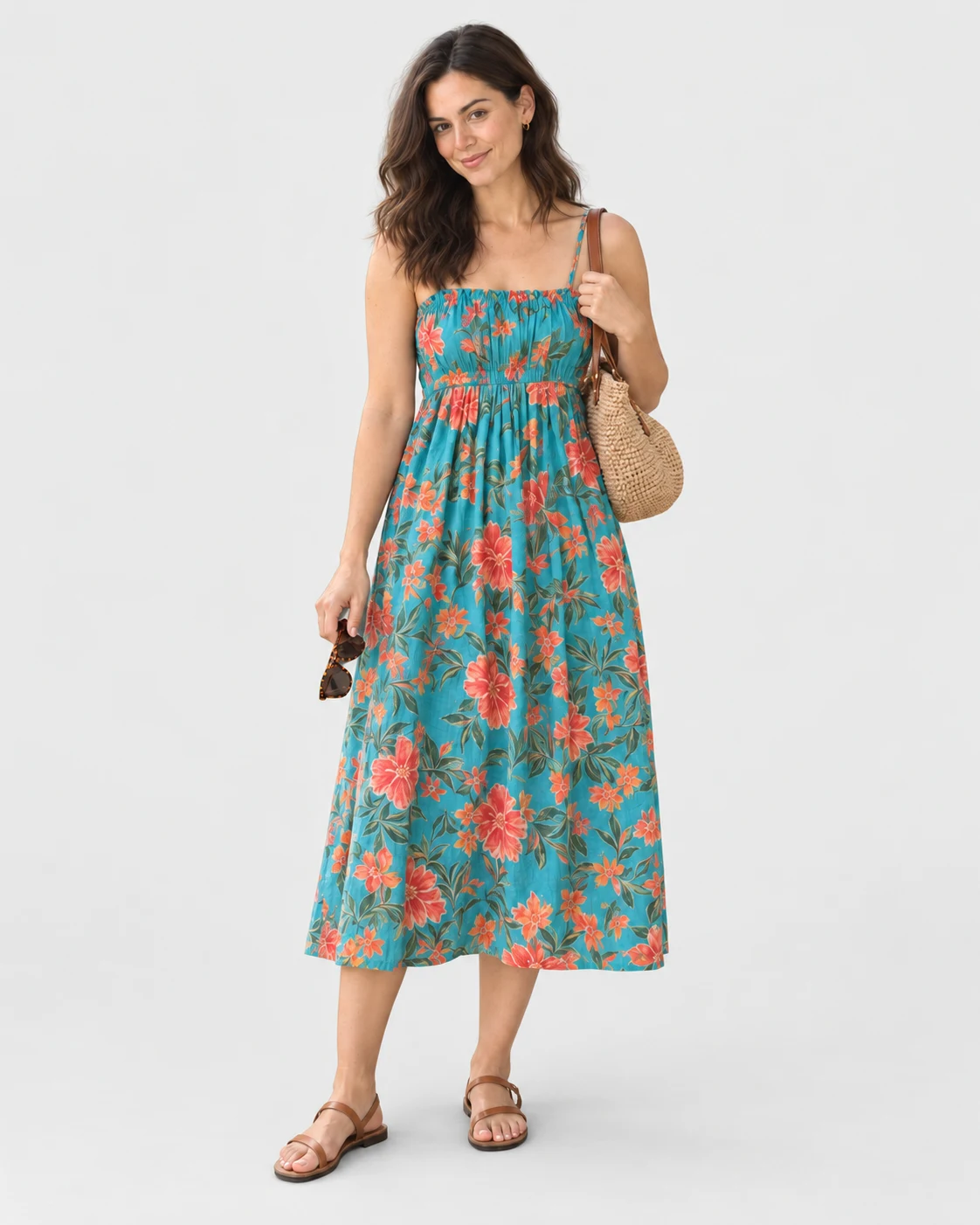
Personal style.
Personal choices.
Your wardrobe lives on your phone. You decide which photos to add and whether to use a photo of yourself.
Enabled AI features send selected photos and accompanying information through a service account to external providers.
More about photos & privacyA few things to know.
Does it use the clothes I already own?
Yes. Outfit suggestions use the clothes you add to your own wardrobe. Dress Nicely does not need a shopping catalogue to help you find a new combination.
Do I need to upload a photo of myself?
No. A personal photo is optional. It is only needed if you want to see an AI preview of an outfit on you. You can explore your wardrobe and outfit ideas without one.
Will the try-on show the exact fit?
The try-on is an AI visualisation. It can change details and does not confirm fit, size or how a fabric will behave in real life.
Where are my photos stored?
Photos, wardrobe information and saved results are kept in local app storage. Enabled AI features send selected content through the Dress Nicely service and OpenRouter to Google for recognition and text tasks and to Black Forest Labs for garment studio images. For outfit previews and try-on images, app versions with privacy text from 30 October 2026 or later use OpenAI; earlier versions, including Singapore 1.0.0, use Black Forest Labs. Google processing uses AI Studio, with Vertex AI also available to versions with privacy text from 29 October 2026 or later. Service-account, job, billing and provider records have separate retention rules.

See your wardrobe
with fresh eyes.
Your next outfit starts with what you already own.